Modern Golden Ratio Resume Template
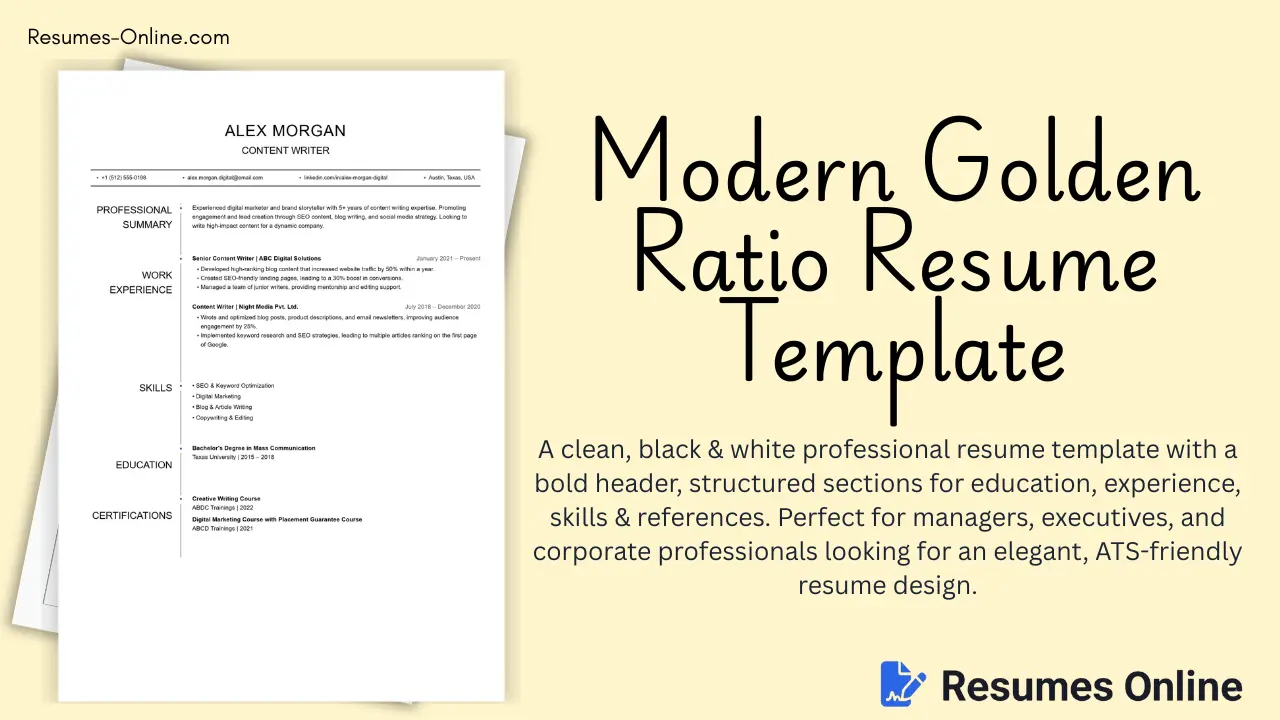
Do you wonder why despite applying for so many jobs and internships, you do not get a call for an interview from the company? It is because your resume is not ATS friendly. If the Applicant Tracking System (ATS) does not find role specific keywords in your document, it rejects your resume. We can also call this framework as "Keyword-Optimized CV" or "Simple One-Page Format" because it does not contain complex visuals and only focuses on text and keywords that are required by the automated systems. Who should use this template and for whom is it perfect?
| Profession Type | Why is it suitable? |
|---|---|
| Online Job Applicants | The best way to know which keywords to use is by reading the job description and listing the skills and qualifies for that role, which this template will perfectly organize. |
| Interns & Freshers | It forces the user to keep the resume to exactly one page in length. |
| Corporate Job Seekers | It does not contain column, tables, images, charts or any other graphics to show accomplishments, and prioritize the layout that any corporate ATS can read. |
ATS-Friendly Resume Template Key Features
You will find all the features in this ATS-Friendly Resume Template, as follows:
- Simple & Straightforward — the layout is highly simplified and the length of the resume is restricted to exactly one page to prevent ATS rejection.
- Keyword Optimization — it allows you to match the resume and the job description keywords up to 75 to 80% so that your document will be shortlisted and not rejected.
- Strict Typography Rules — The font style is limited to Times New Roman and Arial. The font size is perfectly scaled at 12 for headlines and 10 for bullet points.
- Clear Formatting — The headlines are consistently bold and the details are in normal font, completely avoiding using italics in the text.
- Standardized Labeling — Sections are labeled clearly and correctly with recognizable titles like contact, work experience and education qualifications.
- Graphic-Free Design — Accommodates bullet points and chronological text exclusively, completely omits column, tables, images or charts.
- Specific Naming Convention — It is optimized to save docx or pdf, utilizing the standard naming format: your name, space resume or your name, underscore resume.
Limitations of ATS-Friendly Resume Template (Who Should Avoid This Format)
- Extensive Portfolios — If your career history requires a resume longer than one page, this specific format may lead to ATS rejection.
- Creative Visual Roles — Because you must not use column, tables, images, charts or any other graphics, individuals who want to show visual design skills directly on the page will find this format too restrictive.
How to use an ATS-Friendly Resume Template for your resume (the process of the final resume)
Discover Your Keywords
Before writing, read the job description and make a list of skills and qualifications listed for that role. If you possess those skills, you must include them in your resume as keywords.
Contact
List your Full Name, Phone Number with country code, and a professional email ID (properly formatted, such as First Name dot Sir Name 09@gmail.com). Include a shortened URL link to your LinkedIn profile and your personal website and portfolio if you have one.
Career Objective
Write a standard headline that talks about your career aspirations along with key skills, past experiences, and qualifications. Keep this in a paragraph format that does not exceed three to four lines.
Work Experience and Internship Experience
List your work experience in chronological order starting with the most recent job and internship first. Describe your responsibilities in bullet points. Crucially, use action verbs mentioned in the job description, such as created, managed, maintained, analyzed, or stratified so that the ATS will consider them as keywords.
Projects and Certification
Mention your projects and certification if you have any. Ensure that the dates follow the exact same chronological format as your work experience.
Education Qualifications
List your education background in chronological order, putting the most recent degree first. Include the following details for each qualification: degree title, institution name, your graduation year, and percentage/CGPA. If a company asks for a certain percentage in the job description and you do not mention it, the ATS will assume you have failed that criteria and will reject your resume, so you must put it accordingly.
Skills
List your technical and soft skills, ideally mentioning at least six to eight skills (for example: DBMS, MS Excel, Python, SQL, Critical Thinker, Communication Skills and more). Organize them based on their relevance to the job you are applying for.
Additional Details (Optional)
Utilize this section to include any extra certifications and training, awards and honors, and volunteer experience if you have any.
Final Review & Bonus Tip
Proofread to ensure that there are no spelling or grammatical errors. Save your document as a docx or pdf, naming the file with your name and word "resume" separated by a space or underscore.