Traditional Fresher Resume Template
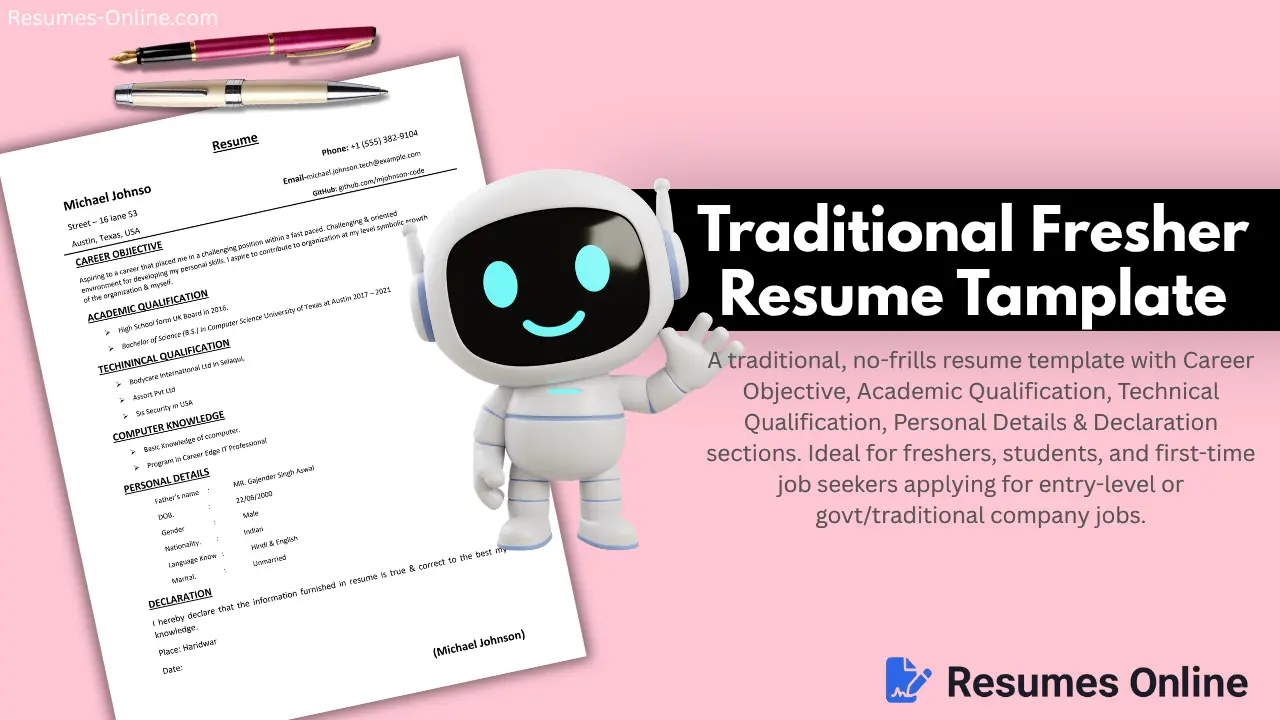
The traditional fresher resume template is very simple and designed specifically for freshers; it is very easy to use and fill in the details.
Other Names for This Template
We can also refer to this template as "Classic Fresher CV", "Formal Declaration Resume", or "Simple Student Resume Format", since these names give us a sense of both the template's purpose and its design.
Who Should Use This Template?
| Profession Type | Why Is It Suitable? |
|---|---|
| Freshers / College Students | Provides degree-wise details in the "Academic Qualifications" section, which is essential for freshers. |
| First-time Job Seekers | The "Career Objective" section (replacing the "Skills" section) showcases intent or aspirations, which is useful when one has limited experience. |
| Diploma / ITI / Vocational Candidates | The "Technical Qualifications" section is ideal for listing training or company internships. |
| Government / PSU Job Applicants | "Personal Details" (Father's Name, DOB, Nationality, Marital Status) are required in traditional resumes for Indian government jobs. |
| Non-IT / Non-Corporate Roles | A plain background and simple black-text-only format with no design distractions, so HR can focus solely on the facts. |
| Small-town / Semi-urban Job Applications | This format is "safer" and more widely accepted, even in conservative regions where modern, creative designs are not expected. |
Best Use Case
The Traditional Fresher Resume Template is best for fresher-level jobs, ITI/Diploma placements, government exam interviews, local company applications, and students making their first resume, whether simple or detailed.
Key Features
You will find all these features in this template:
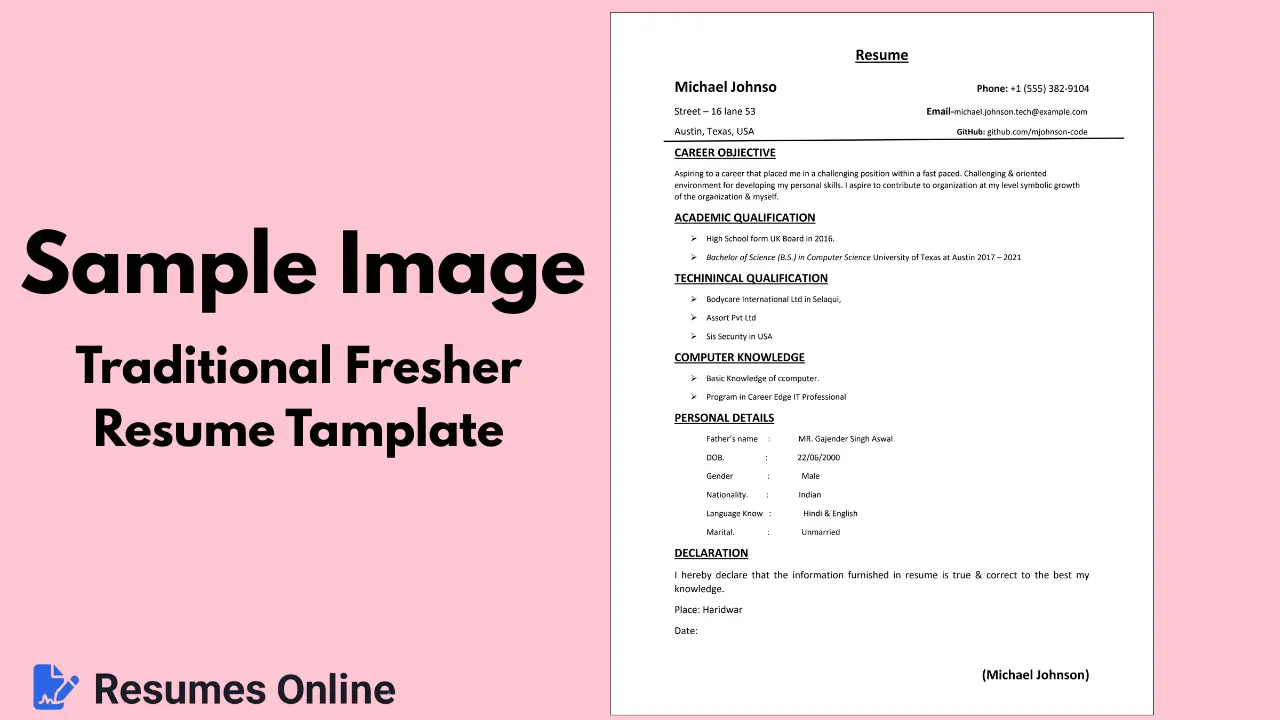
- Clean Black & White Theme: Print-friendly, ATS-compatible, and simple.
- Simple & No-Design Distraction: Purely text-based, ensuring clear printing on any printer (black & white friendly).
- Career Objective Section: When you lack experience, writing an "objective" is standard practice and a better option.
- Academic + Technical Qualification: Education and training/certifications are kept clearly separate.
- Personal Details Section: Often missing from other templates but included here, and you can customize it as needed.
- Declaration + Signature Section: Adds a formal touch that feels familiar to the traditional HR manager.
- Easy to Edit: No complex table/grid or fixed column structure; simple Word-document-like layout.
- 4-Column Skills Grid: Displays a wide range of skills compactly; easily add or remove skills.
- A4 Print-Ready Format: Perfectly sized for direct PDF export or printing.
- Fully Responsive: Looks great on mobile previews and includes zoom-in/zoom-out functionality.
Limitations (Who Should Avoid This Format)
| Category | Reason |
|---|---|
| Modern Corporate / MNC Jobs | It may appear outdated because of the very simple black-and-white theme. A "Classic Professional Resume Template" is better suited here. |
| Creative Fields | For Design, Marketing, and Media professionals, this format is very plain. |
| 5+ Years Experienced | Professionals commonly skip personal details like DOB and marital status in modern resumes. |
How to Use This Template (Step-by-Step)
-
Fill in the Header
Include your name, address, phone number, email, and GitHub/LinkedIn profile (if in the tech field).
-
Write a Career Objective
State your goal in 2-3 lines. Mention the field you wish to work in and the contributions you aim to make.
-
Academic Qualifications
List your 10th, 12th, and Graduation details, including the year. Arrange them from most recent to oldest (or in your preferred order).
-
Technical Qualifications
List any training, internships, or certification courses you have completed.
-
Computer Knowledge
Mention skills such as MS Office, basic computer proficiency, or knowledge of specific software.
-
Personal Details
Accurately fill in details like Father's Name, Date of Birth (DOB), Gender, Nationality, Languages Known, and Marital Status.
Note: If applying for a corporate or private sector job, this section is optional and can be skipped. -
Declaration
Update the place and date, and type your name at the bottom for the signature. Check for spelling and grammar errors.
-
Export
Export the document as a PDF and review the print preview before finalizing.